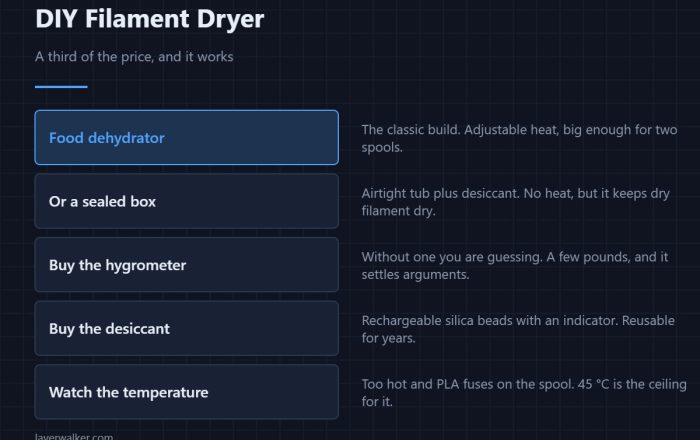
DIY Filament Dryer: A Third of the Price, and It Works
A DIY filament dryer costs a third of a bought one and works just as well. What temperature each material needs, and the two parts actually worth buying.
Symptom diagnoser
Pick the symptom you can see on the plate. Every fix here is written against a specific failure mode, with the settings that actually change it.
 3D Print Troubleshooting: Find the Fault by What You Can See
What to look for Three cheap things diagnose most of what follows. A tool kit with nozzle needles, tweezers and hex keys…
3D Print Troubleshooting: Find the Fault by What You Can See
What to look for Three cheap things diagnose most of what follows. A tool kit with nozzle needles, tweezers and hex keys…
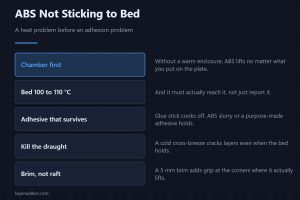 ABS Not Sticking to Bed: Chamber Heat First, Adhesive Second
ABS not sticking to bed is a heat problem before it is an adhesion one. Chamber temperature, bed prep that survives 100 degrees, and when a brim is enough.
ABS Not Sticking to Bed: Chamber Heat First, Adhesive Second
ABS not sticking to bed is a heat problem before it is an adhesion one. Chamber temperature, bed prep that survives 100 degrees, and when a brim is enough.
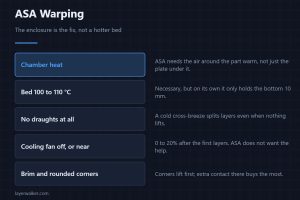 ASA Warping: The Enclosure Is the Fix, Not a Hotter Bed
ASA warping is solved by an enclosure, not by pushing the bed hotter. What chamber temperature it needs, why draughts crack layers, and when a brim helps.
ASA Warping: The Enclosure Is the Fix, Not a Hotter Bed
ASA warping is solved by an enclosure, not by pushing the bed hotter. What chamber temperature it needs, why draughts crack layers, and when a brim helps.
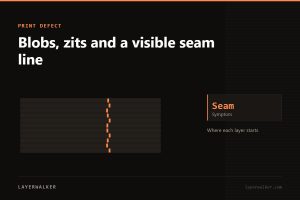 Blobs, zits and a visible seam line
A small defect where each layer starts and stops, stacked into a visible line.
Blobs, zits and a visible seam line
A small defect where each layer starts and stops, stacked into a visible line.
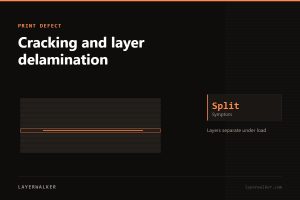 Cracking and layer delamination
Layers separate under load or on their own. Weak bonding from cold plastic or a cold chamber.
Cracking and layer delamination
Layers separate under load or on their own. Weak bonding from cold plastic or a cold chamber.
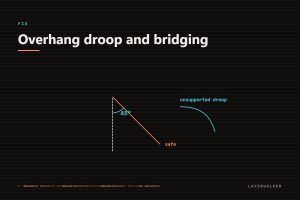 Drooping overhangs and failed bridges
Plastic sags before it sets. Cooling and slower perimeters do most of the work.
Drooping overhangs and failed bridges
Plastic sags before it sets. Cooling and slower perimeters do most of the work.
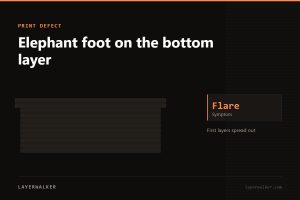 Elephant foot on the bottom layer
The first layers bulge outwards. Too much squish plus a bed hotter than it needs to be.
Elephant foot on the bottom layer
The first layers bulge outwards. Too much squish plus a bed hotter than it needs to be.
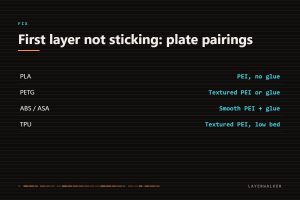 First Layer Not Sticking: What 3D Printer Bed Adhesion Depends On
Nine times out of ten the plate is contaminated with skin oil, not badly levelled. Wash it before you touch the Z offset.
First Layer Not Sticking: What 3D Printer Bed Adhesion Depends On
Nine times out of ten the plate is contaminated with skin oil, not badly levelled. Wash it before you touch the Z offset.
 Layer shifting partway through a print
Everything above a certain height is offset. Belts, grub screws or a speed the machine cannot hold.
Layer shifting partway through a print
Everything above a certain height is offset. Belts, grub screws or a speed the machine cannot hold.
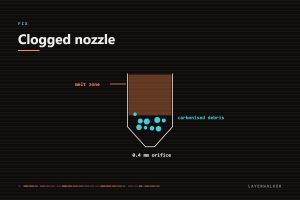 Nozzle clogged: partial and complete blockages
A partial clog degrades quality gradually; a complete one stops everything. The cold pull handles both.
Nozzle clogged: partial and complete blockages
A partial clog degrades quality gradually; a complete one stops everything. The cold pull handles both.
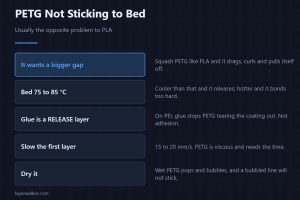 PETG Not Sticking to Bed: Why It Is Usually the Opposite Problem
PETG not sticking to bed is rarer than PETG sticking too hard. The nozzle gap it wants, why glue is a release layer here, and the temperatures that work.
PETG Not Sticking to Bed: Why It Is Usually the Opposite Problem
PETG not sticking to bed is rarer than PETG sticking too hard. The nozzle gap it wants, why glue is a release layer here, and the temperatures that work.
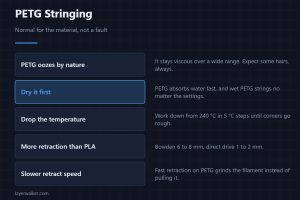 PETG Stringing: Why It Strings More Than PLA, and What Fixes It
PETG stringing more than PLA is normal, not a fault. Why the material oozes, the retraction numbers that work, and why drying it matters far more here.
PETG Stringing: Why It Strings More Than PLA, and What Fixes It
PETG stringing more than PLA is normal, not a fault. Why the material oozes, the retraction numbers that work, and why drying it matters far more here.
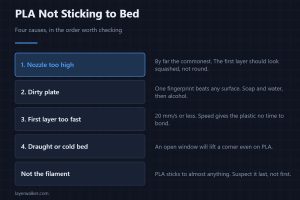 PLA Not Sticking to Bed: The Four Causes, in the Order to Check Them
PLA not sticking to bed is almost never the filament. Four causes in the order worth checking: bed height, a dirty plate, first-layer speed, and draughts.
PLA Not Sticking to Bed: The Four Causes, in the Order to Check Them
PLA not sticking to bed is almost never the filament. Four causes in the order worth checking: bed height, a dirty plate, first-layer speed, and draughts.
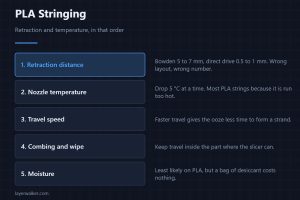 PLA Stringing: Why Dry PLA Still Strings, and the Settings That Stop It
PLA stringing is retraction and temperature, in that order, and dry filament still strings if the settings are wrong. A test you can run in eight minutes.
PLA Stringing: Why Dry PLA Still Strings, and the Settings That Stop It
PLA stringing is retraction and temperature, in that order, and dry filament still strings if the settings are wrong. A test you can run in eight minutes.
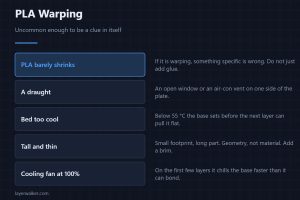 PLA Warping: Rare Enough to Be a Clue in Itself
PLA warping is uncommon enough to be a clue in itself: it points at a draught, a cold bed or a tall thin part, not at bad filament. What to change, in order.
PLA Warping: Rare Enough to Be a Clue in Itself
PLA warping is uncommon enough to be a clue in itself: it points at a draught, a cold bed or a tall thin part, not at bad filament. What to change, in order.
 Print detached mid-print and turned into spaghetti
The part came off the plate and the nozzle kept extruding into air. Adhesion, warping or a knock.
Print detached mid-print and turned into spaghetti
The part came off the plate and the nozzle kept extruding into air. Adhesion, warping or a knock.
 Ringing and ghosting on vertical surfaces
Echoes of a corner repeating across the wall. Mechanical vibration the frame cannot damp fast enough.
Ringing and ghosting on vertical surfaces
Echoes of a corner repeating across the wall. Mechanical vibration the frame cannot damp fast enough.
 Stringing and oozing between parts
Fine hairs across gaps. Moisture first, temperature second, retraction third — in that order.
Stringing and oozing between parts
Fine hairs across gaps. Moisture first, temperature second, retraction third — in that order.
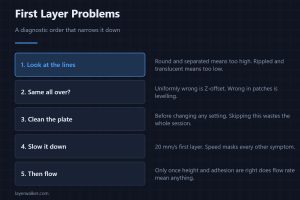 First Layer Problems: A Diagnostic Order That Narrows It Down
02
First Layer Problems: A Diagnostic Order That Narrows It Down
02
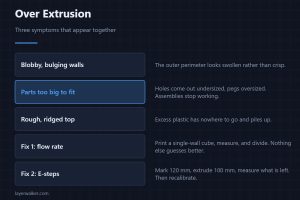 Over Extrusion: Blobby Walls, Parts That Do Not Fit, and the Flow Fix
03
Over Extrusion: Blobby Walls, Parts That Do Not Fit, and the Flow Fix
03
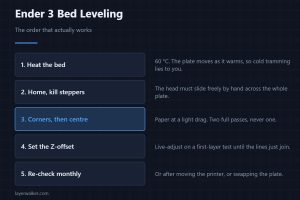 Ender 3 Bed Leveling: The Paper Method, and When to Add a Probe
04
Ender 3 Bed Leveling: The Paper Method, and When to Add a Probe
04
 Temperature Tower: How to Run One and What to Read From It
05
Temperature Tower: How to Run One and What to Read From It
05
 3D Printer Test Prints: Which Ones Actually Tell You Something
06
3D Printer Test Prints: Which Ones Actually Tell You Something
06
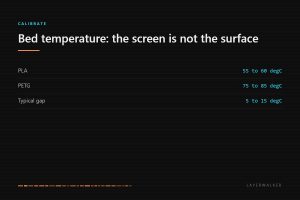 3D Printer Bed Temperature: Settings by Material, and Why Yours Reads Wrong
A DIY filament dryer costs a third of a bought one and works just as well. What temperature each material needs, and the two parts actually worth buying.
The best PLA filament brands differ in diameter consistency and colour, not in strength. What actually varies between spools, and which is worth paying for.
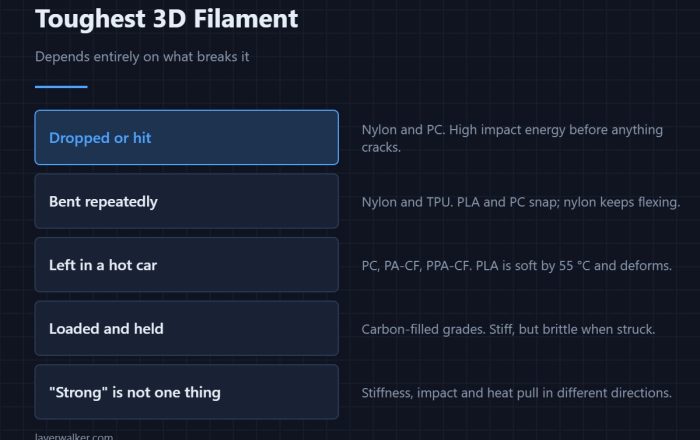
The toughest 3D filament depends on what breaks it: impact, heat, or repeated bending. Four candidates, the numbers that matter, and what each one demands.
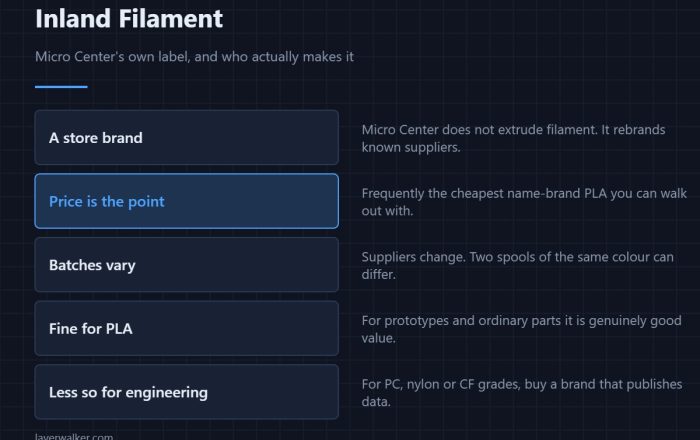
Inland filament is Micro Center's own label, priced low and made by known suppliers. What it is good for, what varies between batches, and when to avoid it.
 Flashforge Camera: Built In on Some Models, an Add-On on Others
02
Flashforge Camera: Built In on Some Models, an Add-On on Others
02
 Creality Camera: What the Nebula Catches, and What It Misses
03
Creality Camera: What the Nebula Catches, and What It Misses
03
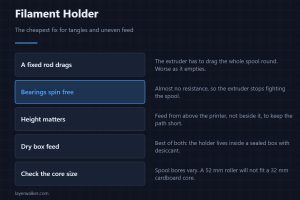 Filament Holder: The Cheapest Fix for Tangles and Uneven Feed
04
Filament Holder: The Cheapest Fix for Tangles and Uneven Feed
04
 AMS Hub: A Splitter, Not a Filament System
05
AMS Hub: A Splitter, Not a Filament System
05
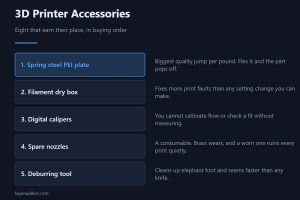 3D Printer Accessories: The Eight That Earn Their Place
06
3D Printer Accessories: The Eight That Earn Their Place
06
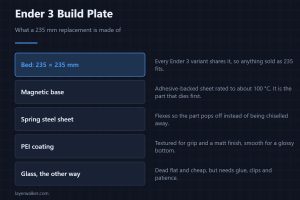 Ender 3 Build Plate: The 235 mm Size, PEI vs Glass, and What Fits
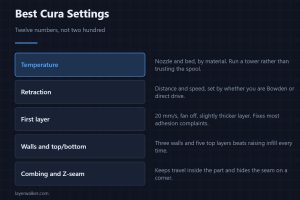 Best Cura Settings: The Twelve Numbers That Actually Matter
02
Best Cura Settings: The Twelve Numbers That Actually Matter
02
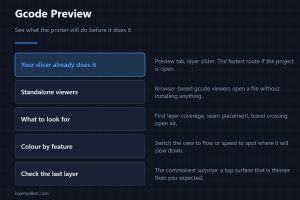 Gcode Preview: See What the Printer Will Do Before It Does It
03
Gcode Preview: See What the Printer Will Do Before It Does It
03
 OrcaSlicer vs Bambu Studio: One Is a Fork of the Other
04
OrcaSlicer vs Bambu Studio: One Is a Fork of the Other
04
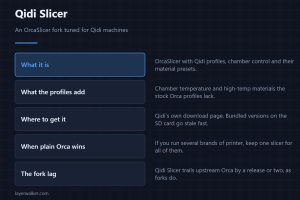 Qidi Slicer: An OrcaSlicer Fork, and When to Use Plain Orca Instead
05
Qidi Slicer: An OrcaSlicer Fork, and When to Use Plain Orca Instead
05
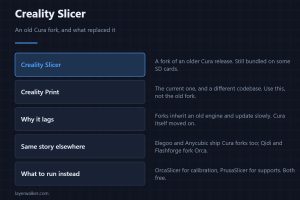 Creality Slicer and Creality Print: Which Is Which, and What to Use
06
Creality Slicer and Creality Print: Which Is Which, and What to Use
06
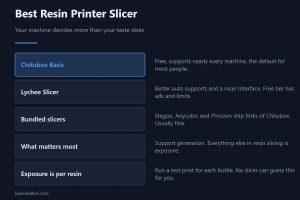 Best Resin Printer Slicer: Chitubox, Lychee, and What Each Costs
Marlin firmware runs most bed-slingers, and you only reflash it for a reason: a probe, a new board, or thermal runaway protection. What each step needs.
An Ender 3 extruder upgrade fixes skipping and under-extrusion. Dual-gear Bowden for cheap, full direct drive for flexibles, and what each of them really costs.
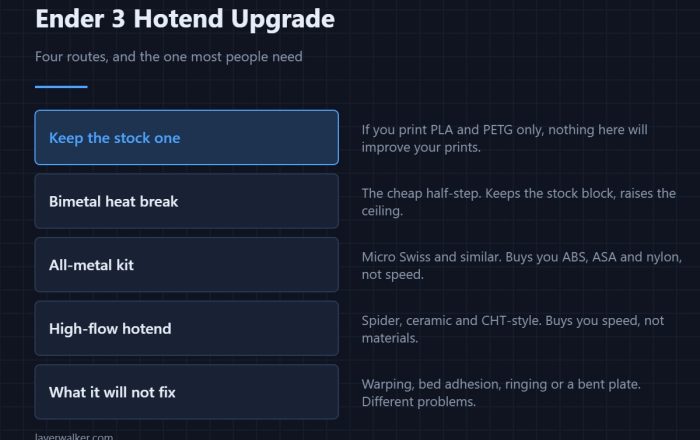
An Ender 3 hotend upgrade is worth it for ABS, ASA and speed, not for PLA. All-metal vs high-flow, which kits bolt on, and when the stock one is fine.
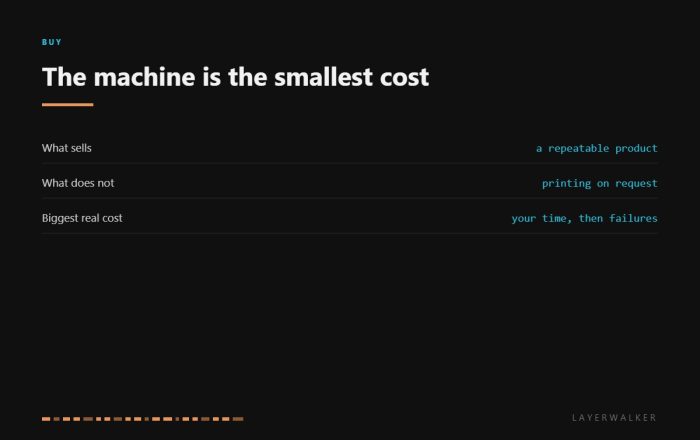
Most 3D printers never earn a penny. What actually sells, what the machine costs against everything else, and the three kinds of product with a real market.